
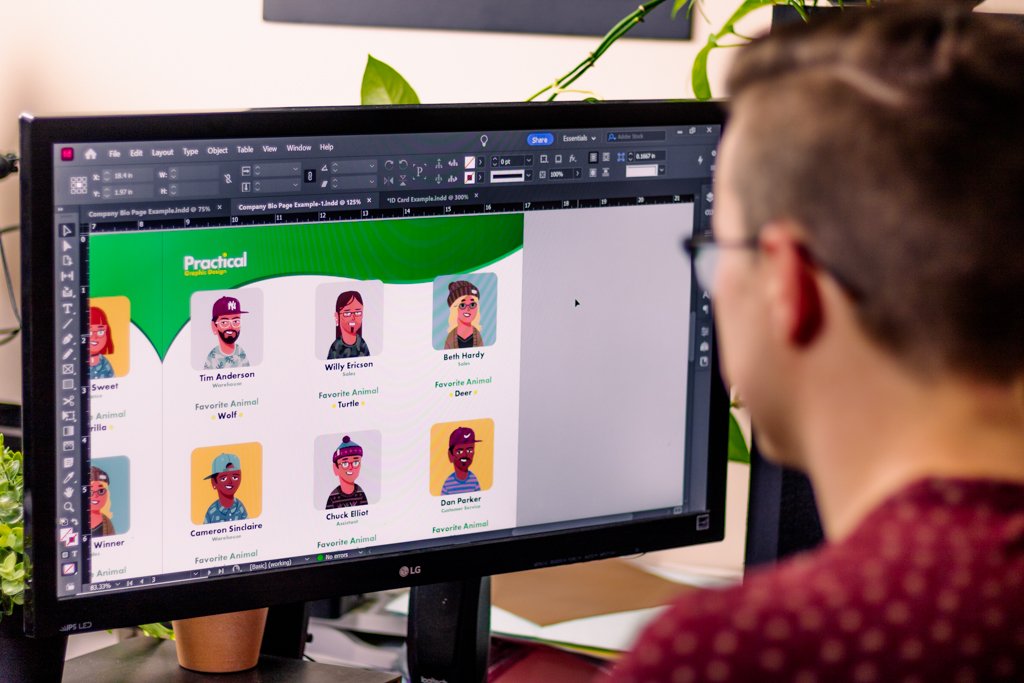
Practical Graphic Design
Graphic Design is all about communicating an idea effectively and this is something that is needed in every industry. Learn how to take your message to the next level with InDesign by learning practical graphic design principles that will help catch your viewers attention. Take what you learn and apply it quickly with interactive practice files that will help you develop your abilities and knowledge throughout the class. By the end you will have polished layouts to add to your portfolio.
InDesign is the final step before you work goes out into the world, and in the world of design the finishing touches make all the difference!
Class 1
Learn Adobe Indesign Through Fundemental Design Principles
InDesign Basics
Production Terms: Trim Bleed and Margins
Create visual relationships with Alignment
Use Hierarchy to Establish Structure to your Layouts
Understand Typography Basics
Apply what you learn to Clients Files
Class 2
Craft Beautiful Documents with Adobe InDesign
You’ll learn Graphic Design Principles such as:
Creating a Focal Point
Symmetry and Asymmetry
Balance in Graphic Design
Negative Space and Proximity
Practical Typography “Rules”

Class 3
High Volume Design in Adobe in Design
Unlock InDesign’s Potential by:
Understanding Data Merge
Organizing Information
Troubleshoot Export Issues
Customize Frames and Simple Effects
Using a Simple Script for Export
Create Designs with Variable Images and QR Codes
Unlock InDesign’s Tools by Learning:
Multi Page Document Set Up
Paragraph and Character Styles
Creating Structural Grids
Text Wrapping Images
Master Pages


Raigrass - Skillshare Student
“I love this class. It ignites my passion for the program and includes everything I love about a good design. Makes me wonder what took me so long to sit and learn InDesign. The teacher is amazing and I followed him to see all of his classes. I think I'll become a better designer thanks to him. I can see a lot of things I can learn from him.”